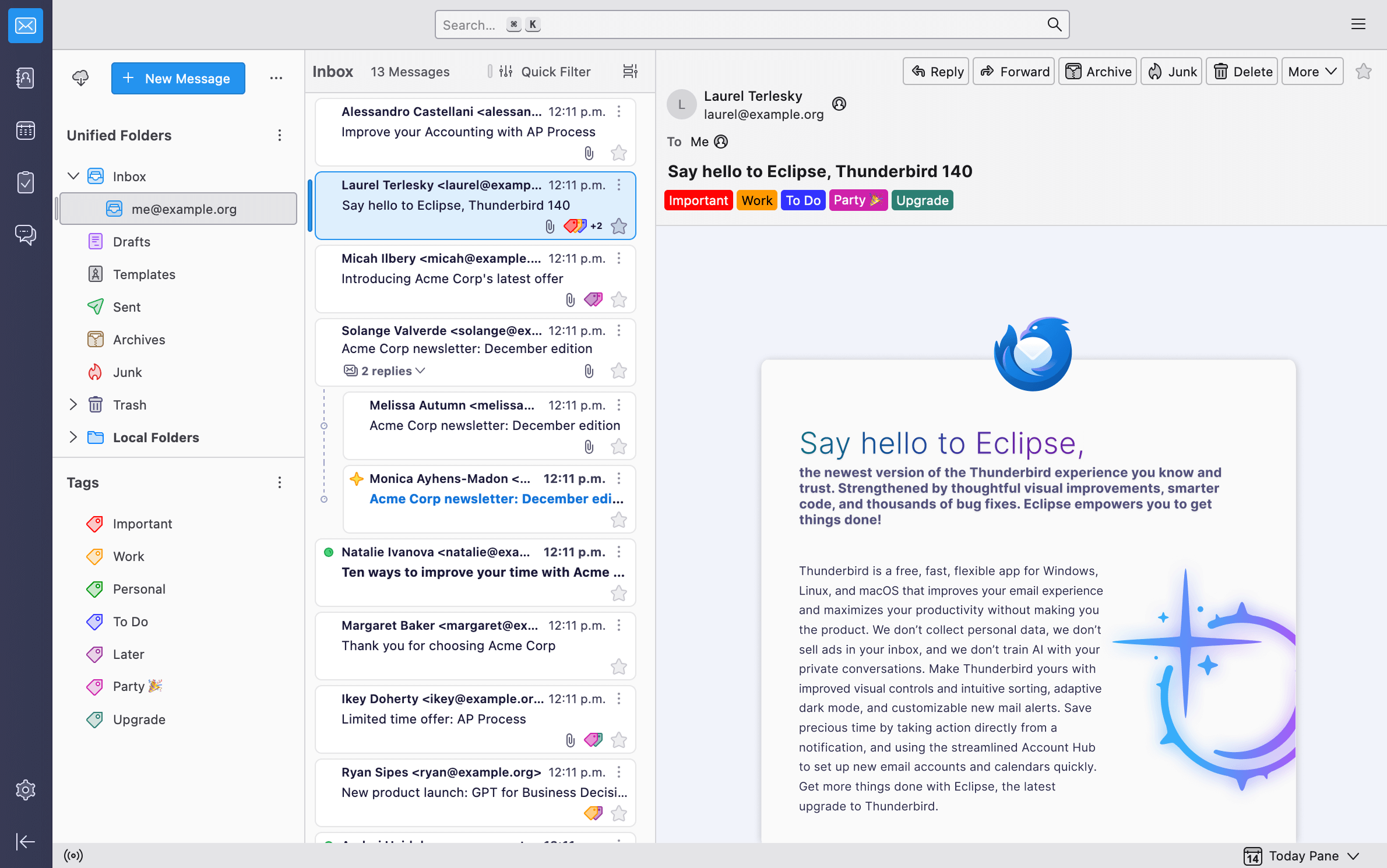
The best email services to use with Thunderbird
Thunderbird is one of the most complete email clients for desktop. It works especially well with accounts that offer IMAP, SMTP, OAuth2 and good compatibility with external clients. That is why choosing a good email provider is almost as important as choosing the client itself. Widely used on Ubuntu, Fedora, Debian, Arch and ultimately the main distros, it works great on Gnome and KDE, among others.
In this comparison we are going to look at five popular options: Gmail, Outlook, Fastmail, Proton Mail and Tuta Mail.
Comparison table
| Compatibility with Thunderbird | Ease of setup | Privacy | Price | Best for | |
|---|---|---|---|---|---|
| Gmail | Excellent | Very high | Medium | Free / paid | General users |
| Outlook | Excellent | High | Medium | Free / paid | Microsoft users |
| Fastmail | Excellent | High | Medium-high | Paid | Professional use |
| Proton Mail | Good, with Bridge | Medium | Very high | Limited free / paid | Privacy |
| Tuta Mail | Limited | Medium-low | Very high | Free / paid | Privacy within its ecosystem |
1. Gmail: the simplest option for Thunderbird
Gmail is one of the best options to use with Thunderbird if you are looking for quick, hassle-free setup. Thunderbird recognizes Gmail accounts and allows them to be configured with OAuth2, the modern authentication system that Google requires for this type of access. (Mozilla Support)
Advantages of Gmail in Thunderbird
- Almost automatic setup.
- Very good compatibility with IMAP and SMTP.
- Secure sign-in through OAuth2.
- Large storage capacity.
- Ideal for those who already use Android, Google Drive, Google Calendar or Google Workspace.
Disadvantages
- It is not the most private option.
- It depends heavily on the Google ecosystem.
- Some Gmail-specific features do not transfer perfectly to Thunderbird.
Opinion
Gmail is the most recommended email service for anyone who wants to start using Thunderbird without complications. It is not the most private provider, but it is one of the most convenient, stable and easy to configure.
2. Outlook / Hotmail: the best general alternative to Gmail
Outlook and old Hotmail accounts also work very well with Thunderbird. It is an especially interesting option for those who use Windows, Microsoft 365, OneDrive or Microsoft services. Thunderbird allows you to add Outlook, Hotmail and Office 365 accounts using OAuth. (Mozilla Support)
Advantages of Outlook in Thunderbird
- Good compatibility with Thunderbird.
- Natural integration with the Microsoft ecosystem.
- Suitable for personal and professional use.
- Good support for free and paid accounts.
- Solid alternative to Gmail.
Disadvantages
- It may require reviewing authentication if the account was configured in an old way.
- The full experience is still better within Outlook web or Microsoft 365.
- Decent privacy, but not at the level of Proton Mail or Tuta Mail.
Opinion
Outlook is a very balanced option. For most users, it is practically on the same level as Gmail in terms of convenience. It is especially recommended if you already use Microsoft services.
3. Fastmail: the best premium email service for Thunderbird
Fastmail is probably the best email service for those who want to use Thunderbird seriously, professionally and without depending on Google or Microsoft. Fastmail has specific documentation for setting up the account in Thunderbird and is designed to work well with external clients. (fastmail.help)
Advantages of Fastmail in Thunderbird
- Excellent compatibility with email clients.
- Very good support for IMAP and SMTP.
- Ideal for custom domains.
- Fast, clean service focused on email.
- Very good option for advanced users.
Disadvantages
- It does not have a full free plan.
- It does not offer the same end-to-end encryption approach as Proton Mail or Tuta Mail.
- It may be less attractive for users who only want a free account.
Opinion
Fastmail is, in my opinion, the best email service for Thunderbird if you are looking for a quality experience. It is not the cheapest, but it is one of the most solid options to use with desktop clients.
4. Proton Mail: the best private option compatible with Thunderbird
Proton Mail is one of the best options for those who prioritize privacy, but it has one important difference: it is not configured in Thunderbird like a normal IMAP account. To use Proton Mail with Thunderbird, you need Proton Mail Bridge, an application that allows you to connect the account with clients like Thunderbird. (Reddit)
Advantages of Proton Mail in Thunderbird
- Very good privacy.
- Strong encryption within the Proton ecosystem.
- Compatible with Thunderbird through Proton Mail Bridge.
- Good option for those who want to leave Gmail or Outlook.
- Increasingly complete ecosystem: email, calendar, VPN, storage and password manager.
Disadvantages
- Requires Proton Mail Bridge.
- The integration is not as direct as Gmail, Outlook or Fastmail.
- To use Bridge, a paid plan is normally required.
- Somewhat more technical setup.
Opinion
Proton Mail is the best option if privacy is the priority and you want to keep using Thunderbird. It is not the most convenient provider to configure, but it is one of the most interesting for those who do not want to depend on Google or Microsoft.
5. Tuta Mail: very private, but less suitable for Thunderbird
Tuta Mail is an email service focused on privacy and encryption, but it is not the most convenient option to use with Thunderbird as a traditional client. Tuta does not integrate through IMAP or CalDAV due to its end-to-end encryption approach, although in 2026 it launched an add-on to open Tuta Mail and Tuta Calendar inside Thunderbird as separate access. (Tuta)
Advantages of Tuta Mail
- Very good privacy approach.
- Strong encryption.
- It has its own applications.
- It has an add-on for Thunderbird.
- Good option for those who want a private and simple email service.
Disadvantages
- It does not work as a traditional IMAP account.
- It does not integrate in the same way as Gmail, Outlook, Fastmail or Proton Mail with Bridge.
- It is not the best option for a classic unified inbox in Thunderbird.
- It depends heavily on its own ecosystem.
Opinion
Tuta Mail is a great private email service, but it is not the best email service to use with Thunderbird if you are looking for full integration. It is recommended for those who prioritize privacy and accept using it in a more separate way.
Final ranking
| Rank | Rating | |
|---|---|---|
| 1 | Fastmail | The best balance for Thunderbird |
| 2 | Gmail | The easiest to configure |
| 3 | Outlook | The best general alternative to Gmail |
| 4 | Proton Mail | The best for privacy with Bridge |
| 5 | Tuta Mail | Very private, but limited in Thunderbird |
Which one should you choose?
For most users, Gmail will be the simplest option to use with Thunderbird. It sets up quickly, works well and does not require technical knowledge.
For those looking for a more professional option, Fastmail is the best choice. It is fast, stable, compatible and very convenient for working with Thunderbird.
If privacy is the most important thing, Proton Mail is a better option than Gmail or Outlook, although it requires using Proton Mail Bridge. Tuta Mail is also very private, but its integration with Thunderbird is more limited.
Conclusion
The best email service for Thunderbird depends on the type of user:
- Best overall: Fastmail
- Easiest to configure: Gmail
- Best free alternative to Gmail: Outlook
- Best for privacy: Proton Mail
- Most private, but less integrated: Tuta Mail
If the goal is to use Thunderbird as the main email client, Fastmail is the most well-rounded option. If you are looking for something free and simple, Gmail and Outlook are the best alternatives.
Be the first to leave a comment