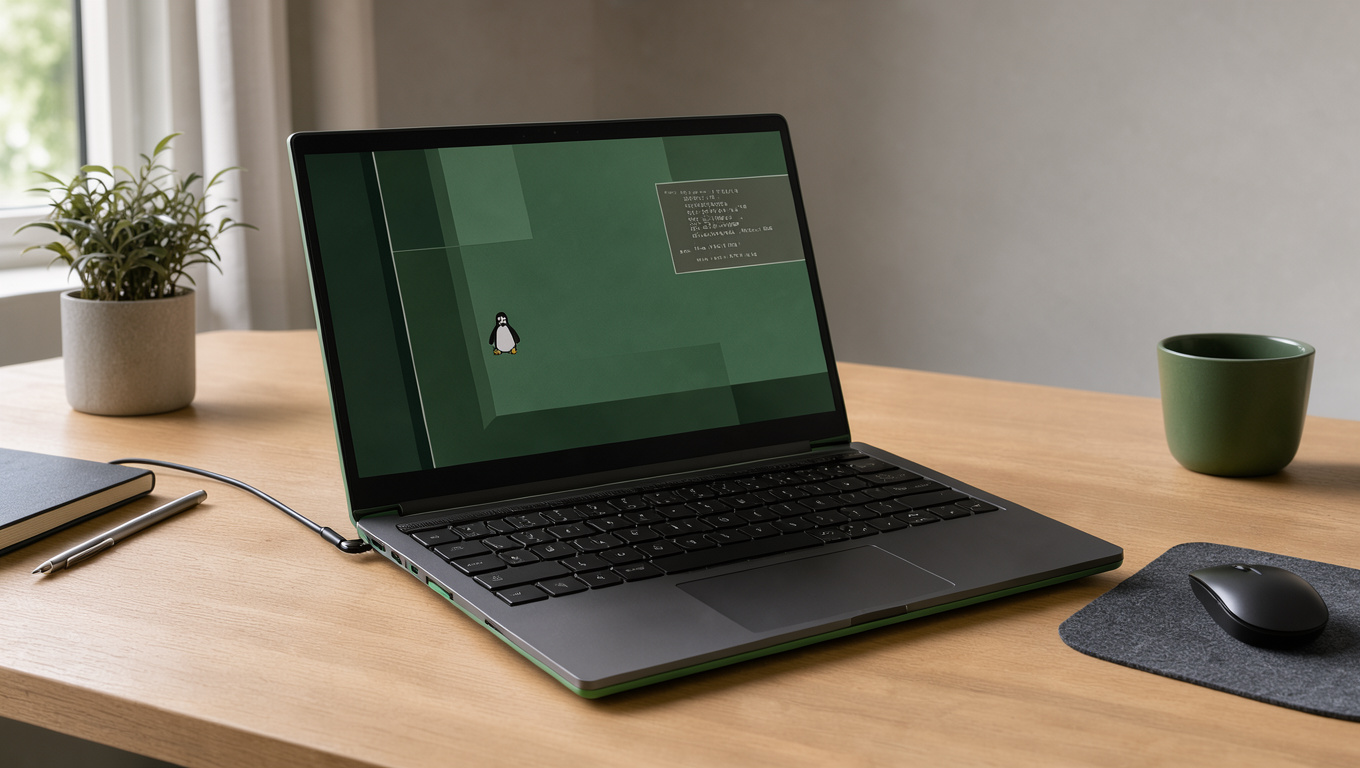
Linux Mint 27, codenamed Adrien, arrives this Christmas as the biggest overhaul of the desktop in years. The jump is more than a number: the project dropped point releases and the twice-a-year cadence, so this delivery concentrates changes that would previously have been spread across two or three releases.
Hibernation is back, as a user choice
The most talked-about return is hibernation, a feature most distributions quietly dropped years ago. Mint 27 brings it through a “Sleep Modes” page in its system administration tool, which helps configure the swap space requirements. The argument is simple: suspend drains the battery, and when a laptop runs out of power the session is lost; hibernating writes it to disk and powers the machine off completely.
Superlight: system and storage monitoring
The new Superlight application replaces the old GNOME System Monitor. It offers graphs for CPU, memory, swap, GPU, network, disk I/O, temperature and fan speed, plus per-application and per-process views and a charge history on battery-equipped systems. Its storage analysis breaks disk usage down into files and folders, Steam games and Flatpak applications, gathering questions such as “what is using the CPU?” or “where did my disk space go?” into a single window.
Nemo, terminal and archive manager
- Nemo gets a preview pane toggled with F7: it shows pictures, audio and video, plus associated information such as capture date or camera model.
- Velocitty is the new terminal: reorderable, movable or detachable tabs, configurable startup commands and context-sensitive tab colours (red with elevated privileges, blue in remote sessions).
- Unfold arrives as a simple archive manager built on 7-Zip and 7zip-RAR, including support for password-protected archives.
Under the hood: Ubuntu 26.04, kernel 7.0 and Wayland
The base is Ubuntu 26.04 LTS and the planned kernel is the 7.0 series. Mint also switches installer: it moves to the Linux Mint Debian Edition live installer, with support for OEM bulk installations, BIOS and EFI machines, Secure Boot and LVM/LUKS setups. Wayland remains the goal, but X11 does not disappear in this release.
What to do now
If you depend on your machine for work, the sensible move is to wait for the final ISO and the official notes before upgrading, and to check that the tools you use daily still work — GIMP 3.2 ships by default instead of the ageing 2.10. For anyone on Mint 22.x, the upgrade will not be immediate: the project usually publishes its migration tool weeks after release, around spring.
Be the first to leave a comment