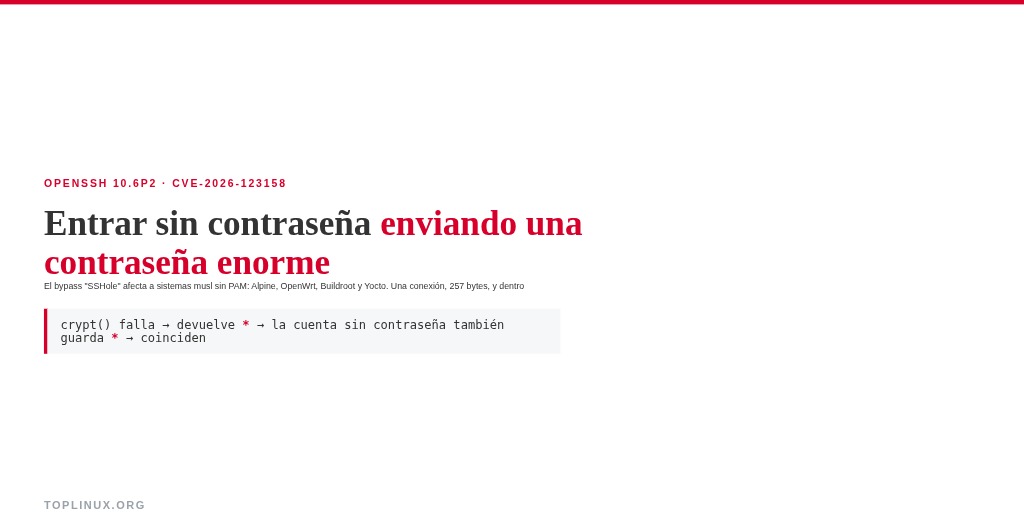
OpenSSH 10.6p2 fixes a password authentication bypass on musl systems without PAM. An attacker sends a 257-byte password and crypt() returns the same ‘*’ that passwordless accounts store. Alpine, OpenWrt, Buildroot and Yocto are affected.
On 5 November, OpenSSH shipped an emergency release, 10.6p2, for a password authentication bypass that lets an attacker log in without knowing any password — using nothing but a very long one.
It affects Linux systems built with the musl C library and PAM disabled. That is a narrower set than “all Linux”, but it includes Alpine Linux, OpenWrt, Buildroot and Yocto, and Alpine’s own cloud images. If you run any of those, this is not a theoretical problem.
How the bypass works
Two independent facts collide:
- On Unix, an account with no usable password stores
*in its shadow entry. That is normal for key-only accounts, and Alpine has shippedroot:*since about 3.16. - musl’s
crypt()returns the string*as an error indicator when the password is longer than 256 bytes.
sshd hashes the attempt, gets * back, compares it against the stored *, and finds a match. An attacker who can reach the SSH port sends a password of 257 to 1,024 bytes and is logged in. One connection, no retries.
The conditions, all required: OpenSSH built without PAM (or openssh-server-pam with UsePAM no), PasswordAuthentication yes (the default), at least one account whose password field is *, and at least one other local account with a $5$ or $6$ hash. One user with a real password is enough to make every passwordless account reachable.
Why this exists at all
The root cause is older than the bug report. In 2016, OpenSSH patched a username-enumeration flaw (CVE-2016-6210) by hashing passwords even for accounts with no usable hash, so response times would not reveal which usernames were valid. A reasonable fix. But musl’s crypt() had replaced its failure return value with a string in 2012, for the sensible reason that returning NULL crashes callers that do not check it — and * can never be a real hash.
Two defensible decisions, and the error value of one turned out to be the exact marker the other was comparing against.
Fix it now
Upgrade and restart sshd. Alpine is explicit that upgrading the package alone does not replace the running daemon:
apk upgrade -U -a
rc-service sshd restart
If you cannot update yet, turn password logins off — either one closes the hole:
echo 'PasswordAuthentication no' > /etc/ssh/sshd_config.d/00-no-passwords.conf
sshd -t && rc-service sshd restart
sshd -T | grep -i passwordauthentication
Check your key login works before you do this, and keep your current session open until you have tested a new one.
What about other distributions?
Systems using glibc — Debian, Ubuntu, Fedora — are not vulnerable, and neither are systems using PAM authentication. Container users who do not run sshd inside the container are unaffected.
Were you attacked?
Look for Accepted password for lines in the sshd log naming an account that should not allow password logins:
grep "Accepted password" /var/log/messagesIf a login succeeded for an account whose shadow field is *, treat the machine as compromised.
The part worth remembering
The researcher, Özgün Kültekin of Wakefield, found this using AI agents that ran roughly 17,600 authentication tests across different OpenSSH configurations, malformed hashes and oversized passwords. OpenSSH developer Damien Miller said the release was rushed deliberately, because “we have recently observed multiple cases of rapid bug rediscovery by AI agents, sometimes within hours” — so long embargoes now primarily benefit attackers.
Whatever you think about AI in security, that is a real change in how vulnerabilities get found and how fast you have to patch.
Be the first to leave a comment